

Forms and Effects as Graphic Design Elements
The nouns and the adjectives of visual language: how forms give a design volume, how effects supply the polish, atmosphere and depth - and how the two conspire to turn flat layouts into experiences you can almost touch.
In graphic design, Forms and Effects are two distinct but deeply intertwined elements that transform flat, basic compositions into dynamic, engaging, and realistic visual experiences. If graphic design is a visual language, then forms are the nouns (the subjects, structures, and objects), and effects are the adjectives (the moods, textures, and modifications).
While the foundational elements of design (like line, shape, and color - covered in the companion piece Lines and Shapes as Graphic Design Elements) provide the structure, forms give a design volume, and effects provide the polish, atmosphere, and depth. Understanding how to manipulate these two elements is what separates flat, lifeless layouts from dynamic, engaging visual communication. This page breaks down Forms and Effects in detail: how they function, how they interact, and how they are applied across modern design aesthetics.
Series note: this page condenses the full article Forms and Effects as Graphic Design Elements and teams it with its sibling piece Lines and Shapes as Graphic Design Elements on QuestDigitech - open it for the complete design-elements series.
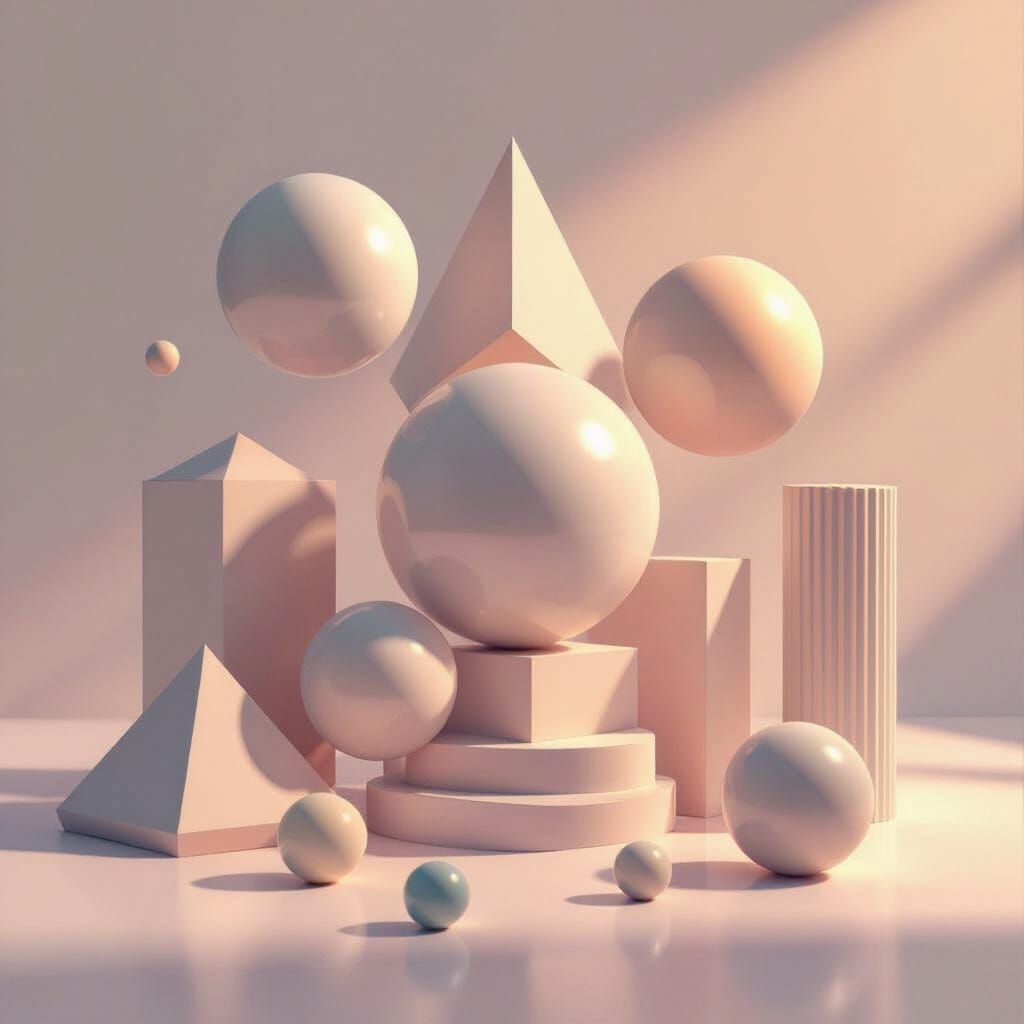
1. Form in Graphic Design - The Foundation
A shape is a two-dimensional area defined by lines or color - it has only width and height. Form refers to three-dimensional shapes: objects that have height, width, and depth. While shapes are flat (2D), forms occupy space and create the illusion of volume. In 2D design, forms are represented through shading, perspective, overlapping, and lighting effects.
Because most graphic design (print, web, UI) exists on a 2D plane, "form" is usually an illusion of 3D. Form is the three-dimensional quality or volume of an object, and it can be categorized into two kinds:
Three-dimensional physical objects with real depth - think packaging, product models, signage, and physical environmental design. You can walk around them; light falls on them for real.
The illusion of depth created in 2D design through various techniques - shading, perspective, overlap, scale and atmosphere. This is the form most screens, pages and posters ever get to show.
Types of Forms - the form lab
The four mathematical solids every designer borrows from, rendered here in pure CSS with nothing but gradients and shadow - hover them. Eight form families cover nearly every object a designer will ever draw or render:
Based on mathematical solids: cubes, spheres, cylinders, cones, pyramids. Precise, mathematical, and structured, they convey order, stability, unity, artificiality, or motion. Common in modern, technical, and corporate designs.
Irregular and nature-derived: rocks, trees, human figures, flowing sculptures. Flowing, curvilinear, and asymmetrical, they resemble leaves, clouds, water droplets, or a crumpled piece of paper - conveying comfort, spontaneity, natural flow, relaxation, and fluidity.
Stylized or simplified representations of real-world objects, often blending geometric and organic traits. They emphasize certain design qualities over realism and rely on the viewer's interpretation.
Forms that carry cultural or conceptual meanings: logos, icons, religious symbols, and brand imagery. They communicate ideas beyond their visual appearance.
Incomplete or implied forms where negative space is used to suggest the form - the viewer's eye completes what the drawing leaves out.
Fully enclosed and self-contained: solid objects with clear, unbroken boundaries.
The object itself - the foreground elements in a composition, carrying the subject matter.
The space that defines the object - often background cutouts creating a silhouette. Design the negative and the positive takes care of itself.
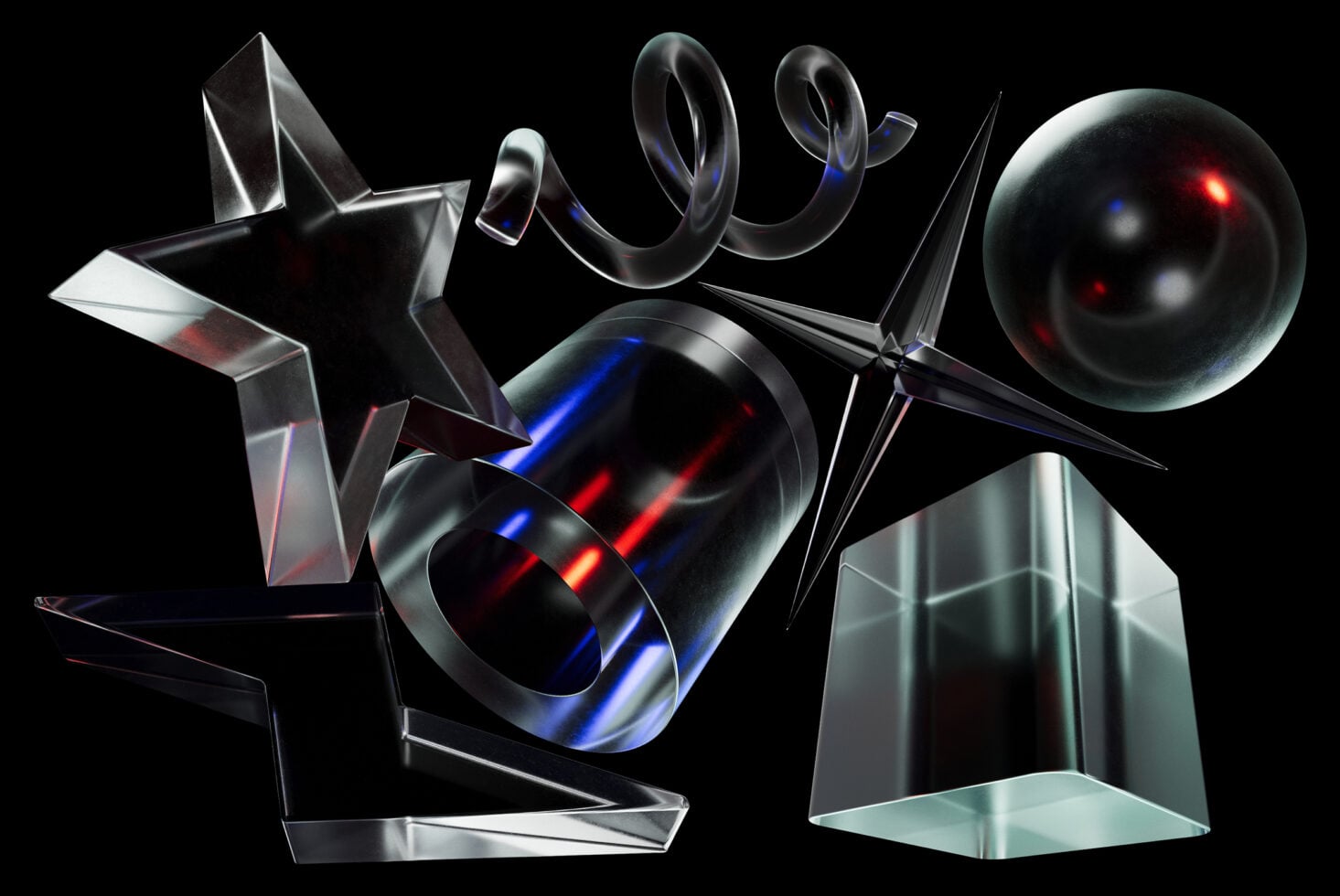
Properties of Forms
Forms possess specific properties that define how they occupy space and interact with the viewer's eye:
| Property | What it measures | Why it matters |
|---|---|---|
| Dimension | The measurable extent of the form: length, width, and depth | The raw geometry every other property builds on |
| Volume and Depth | The perceived mass or "fill" of the form | Makes an object feel substantial rather than flat |
| Texture | The perceived surface quality of the form | Texture is also an effect, but a form inherently possesses surface properties the eye reads instantly |
The Role of Forms in Design
- Structuring layout: large forms act as containers for content, guiding the viewer's eye through the hierarchy of a design.
- Creating depth: by overlapping forms, designers create foreground, middle ground, and background - pulling the viewer "into" the design.
- Psychological impact: sharp, angular forms (like triangles) evoke tension and energy; rounded forms (like circles) evoke harmony and softness; stable forms (like squares) evoke security and reliability.
- Overall impact: form adds volume, realism, identity, and balance. It creates visual interest and establishes hierarchy.
2. Creating the Illusion of Form in 2D Design
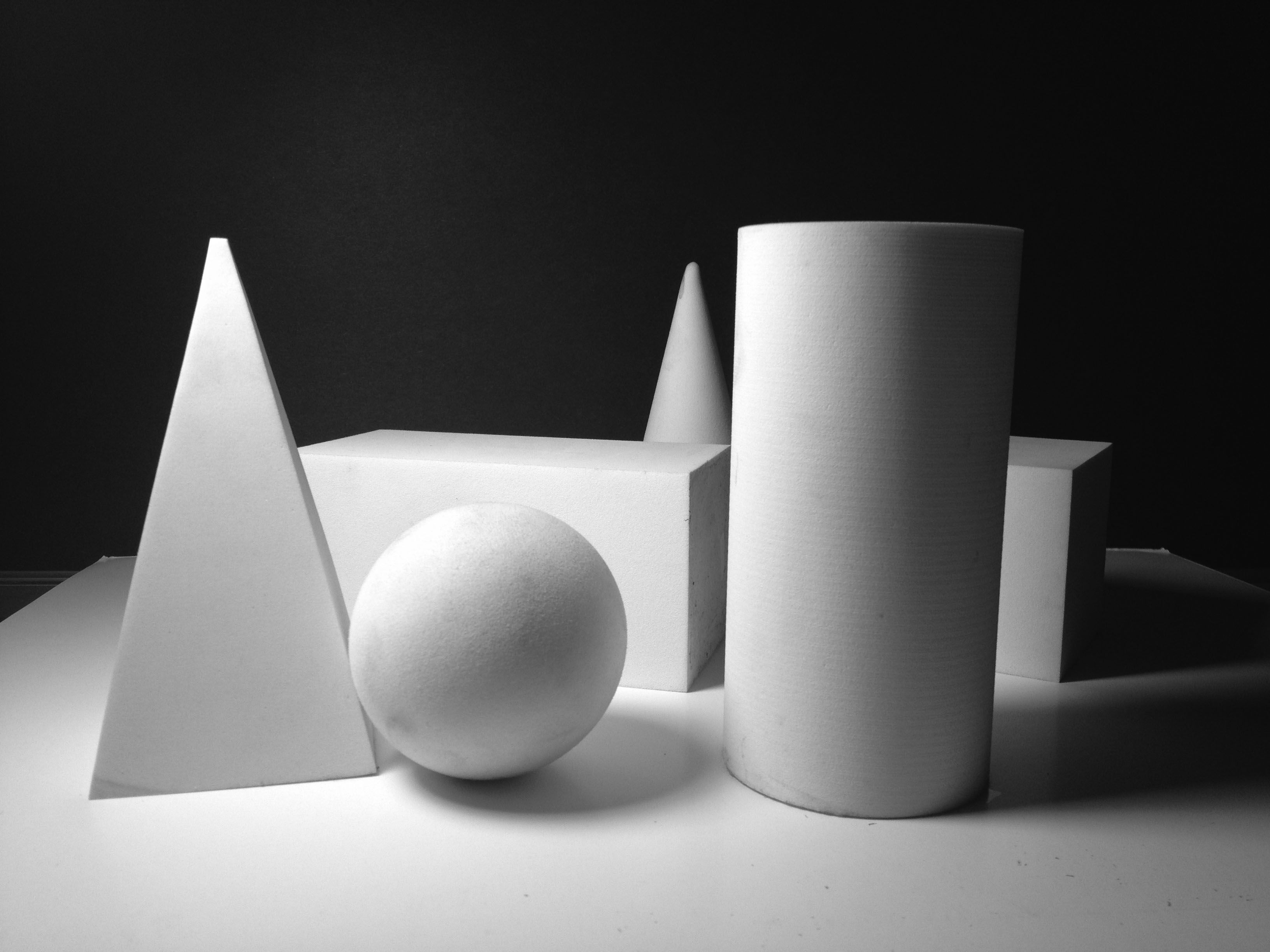
Since designers usually work on flat surfaces, they must "trick" the eye into seeing form. Five classical techniques do the heavy lifting - alone or stacked together they turn any flat shape into a convincing volume:
| Technique | How it tricks the eye | In practice |
|---|---|---|
| Value (light and shadow) | Adding highlights and shadows suggests roundness and depth | Cast shadows on a flat shape instantly turn it into a 3D form |
| Perspective | Converging lines create spatial depth | Vanishing points show how an object recedes into space |
| Overlap | Objects in front appear closer | Placing one object in front of another establishes spatial depth |
| Size variation | Larger objects appear closer to the viewer, while smaller ones recede into the background | Scale is the cheapest depth cue a layout can exploit |
| Atmospheric perspective | Distant objects are rendered lighter, less detailed, and bluer | Simulates how the atmosphere affects human vision over distance |
Scroll inside the table - the header row and the Technique column stay frozen.
flowchart TD
    S(["A flat 2D shape"]) --> Q{"Which depth cues do you add?"}
    Q -->|"Highlights, core shadow, cast shadow"| V["Value - the shape rounds into a volume"]
    Q -->|"Converging lines and vanishing points"| P["Perspective - the space recedes"]
    Q -->|"One object in front of another"| O["Overlap - foreground against background"]
    Q -->|"Contrast in scale"| Z["Size - big feels near, small feels far"]
    Q -->|"Lighter, bluer, softer with distance"| A["Atmospheric perspective"]
    V --> F["Set one consistent light source"]
    P --> F
    O --> F
    Z --> F
    A --> F
    F --> C{"Consistent across the whole design?"}
    C -->|"Yes"| R(["A believable implied form - 3D on a 2D plane"])
    C -->|"No"| X["The illusion breaks - fix the shadows"]
    X --> F
3. Effects in Graphic Design - The Enhancement
Effects are visual treatments, filters, or enhancements applied to forms, shapes, typography, images, or colors (in fact to lines, shapes, forms, or any other design element). They alter appearance, mood, or perceived texture, transforming basic elements into polished, communicative design pieces. Effects add personality, emphasis, and visual interest: they are used to manipulate the viewer's perception, add realism, create a specific mood, or establish visual hierarchy.
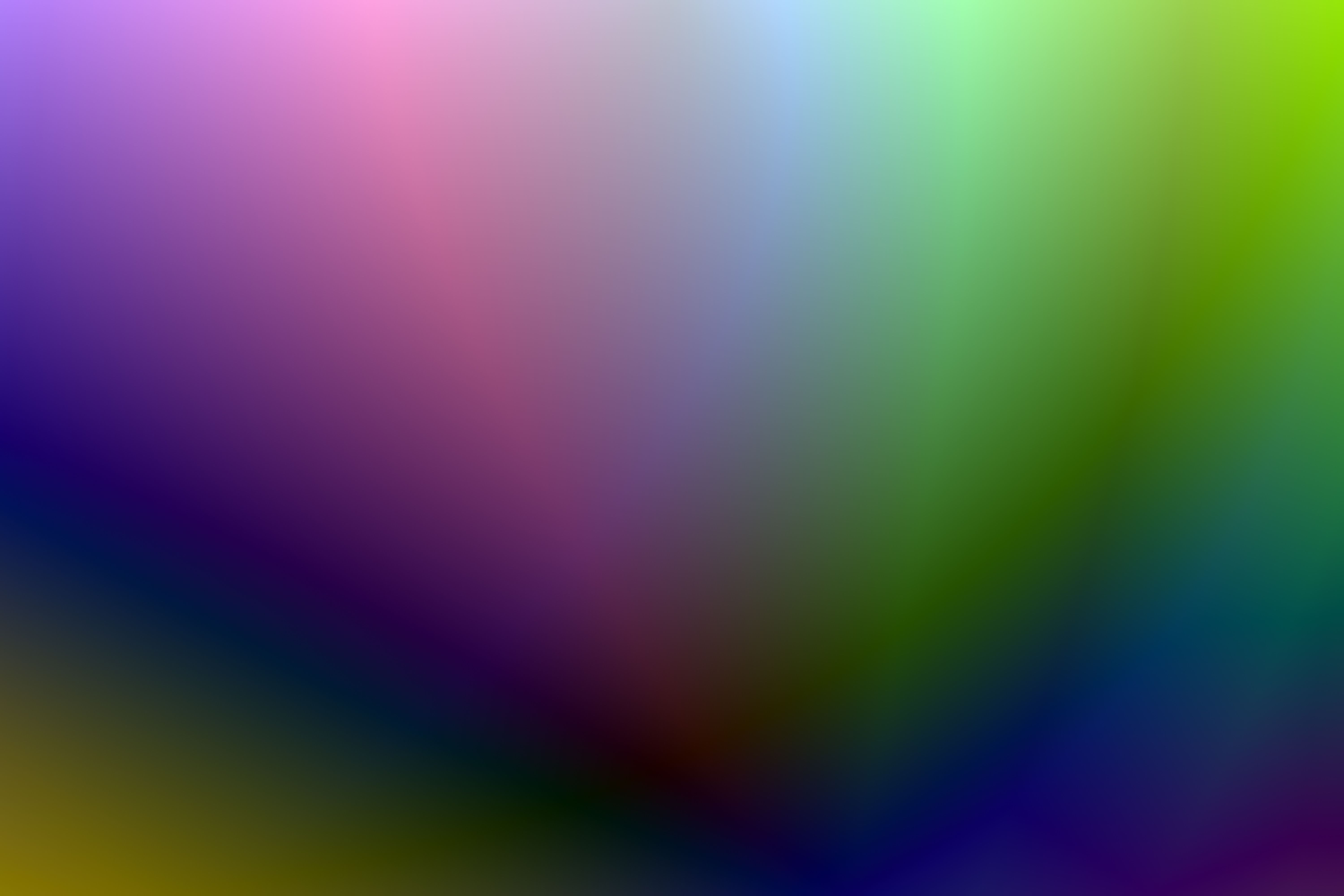
To understand them clearly, effects can be grouped into seven primary categories - tap through each one:
These effects manipulate color relationships to create mood, depth, emphasis, and harmony.
- Gradients and blends: smooth transitions between colors or values. A linear gradient can make a flat rectangle look like a metallic cylinder; a radial gradient can turn a circle into a glowing sphere. They add a modern, atmospheric vibe and are essential for creating the illusion of light on a form.
- Duotones and color overlays: applying a limited color palette (like a duotone) or a solid color overlay unifies disparate elements, establishes a specific mood, or forces harmonic color schemes across an image.
Purpose: mood, depth, emphasis, visual harmony.
Lighting effects simulate how light interacts with an object, creating the illusion of three-dimensionality, depth, and focus.
- Shadows and highlights: add depth, dimension, or emphasis to objects, create separation from the background, and guide viewer attention.
- Drop shadows: lift an element off the background, creating clear separation and implying depth and distance.
- Inner shadows: create the illusion of depth or depression, making an element look stamped, recessed, or debossed.
- Bevel and emboss: adds simulated lighting to the edges of an element, making it look raised (embossed) or carved out (debossed) - flat shapes gain a tactile, 3D edge.
- Glows and neon: an outer or inner glow, or blending modes like Screen or Add, makes elements look as though they are emitting light. Highly used in tech, gaming, and neon aesthetics to create energy and vibrancy.
- Refraction and reflection: simulating how light bends through transparent forms (refraction) or bounces off shiny, reflective surfaces (reflection) - crucial for realistic glass, water, or metallic effects.
Purpose: depth, realism, focus, and establishing a definitive light source.
Blur effects soften elements to simulate camera optics, naturally guiding the viewer's eye and creating spatial depth.
- Gaussian blur: a soft, even blur often applied to background elements while keeping the foreground sharp. It mimics a camera lens's depth of field, forces viewer focus, and creates a massive sense of scale and depth.
- Motion blur: simulates the streaking of a moving object over a specific period of time, implying movement and speed.
- Radial blur: zooms or spins the blur outward from a central point, creating a disorienting, high-speed, or dreamlike effect.
Purpose: depth of field, speed, softness, and controlling visual hierarchy.
These effects apply a surface quality to a form, making digital elements feel tactile rather than purely digital.
- Textures and overlays: applying a surface quality - grunge, paper, noise, fabric, glass, rough, smooth, glossy, or metallic - to a form. This creates tactile visual interest and enhances realism by making the viewer "feel" the material through sight.
- Grain and noise: a subtle layer of pixelation or film grain can soften harsh digital gradients, give a retro feel, or unify composite images.
- Patterns: repeating geometric or organic motifs can fill a form to add visual complexity and stylistic flair.
Purpose: tactile quality, realism, style, and material definition.
Distortion effects warp the physical geometry of an element to create dynamic, surreal, or customized shapes.
- Warp, twist, bulge, and envelope: bending, pinching, or stretching elements to fit a specific contour or to create a sense of fluidity and physical stress.
- Displacement mapping: warping elements so they look like they are interacting with physical environments - rippling across the surface of water, magnifying through glass, or blowing in the wind.
Purpose: dynamism, surrealism, customization, and environmental integration.
These effects control how layers interact and show through one another, creating depth and subtle visual integration.
- Opacity and translucency: controlling see-through levels to create layering, depth, and visual hierarchy. Lowering opacity allows background forms to subtly interact with foreground forms.
- Blending modes: instead of just slapping an effect on top of a layer, blending modes (Multiply, Screen, Overlay, Soft Light) mathematically alter how the effect interacts with the colors and forms beneath it.
- Fades and masks: gradually transitioning an element from visible to invisible, allowing forms to seamlessly emerge from or dissolve into the background.
Purpose: layering, subtlety, integration, and creating spatial relationships.
Artistic effects alter shapes or colors to create expressive, corrective, or stylistic modifications, adding movement or energy.
- Brush strokes, painterly, and sketch: simulating traditional art mediums gives a design a handmade, organic feel that counteracts the precision of digital vectors.
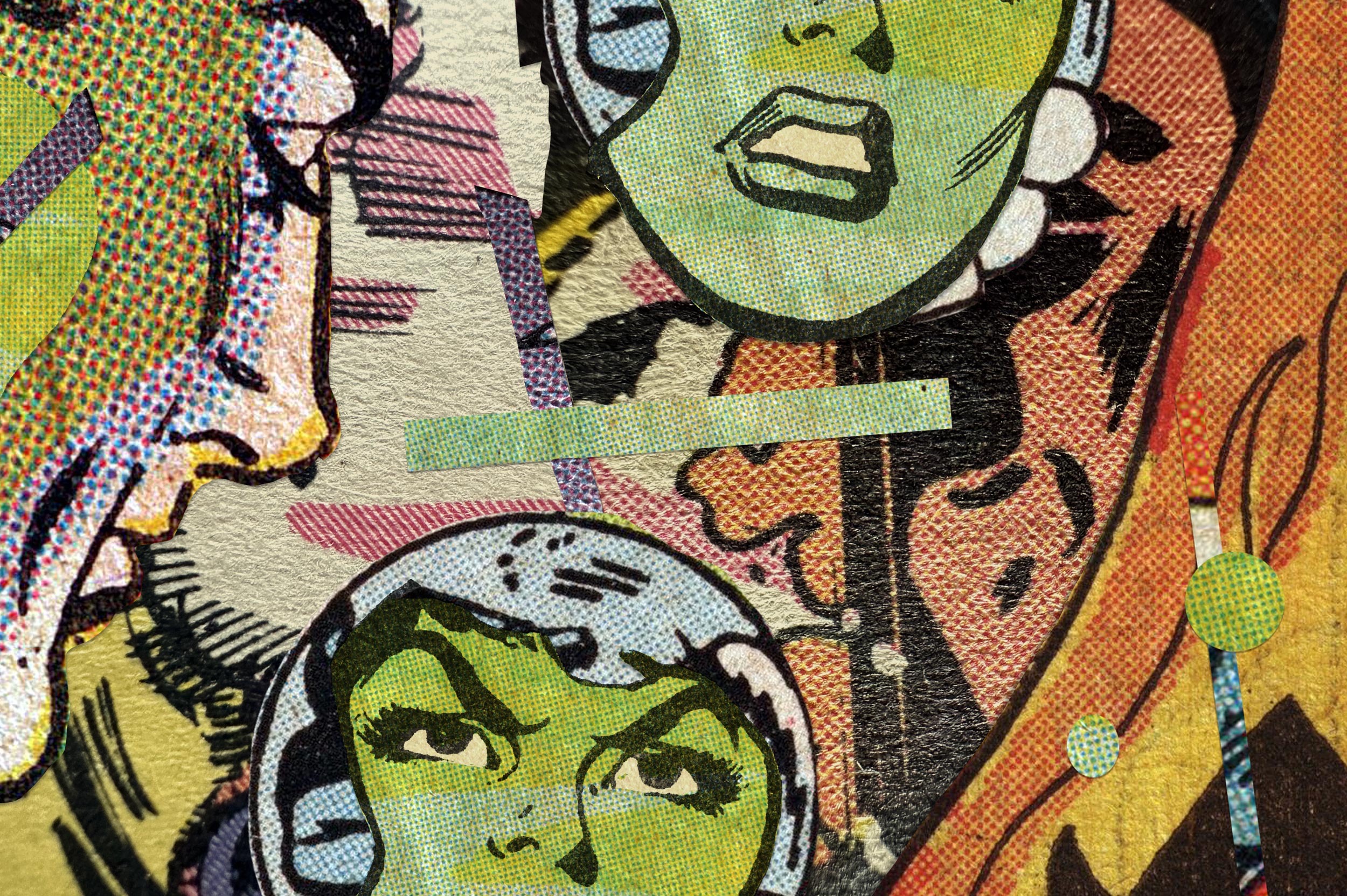
- Halftones and stippling: converting continuous tones into dots or lines evokes vintage comic books, newspaper printing, or pop-art aesthetics.
- Corrective filters: altering shapes or colors for artistic or corrective modifications - such as chromatic aberration (RGB splitting) to create a glitchy, tech-noir atmosphere.
Purpose: style, emotion, handmade feel, and thematic atmosphere.
The three blur families, live - a blurred backdrop pushing a sharp foreground forward, a streaked bar faking speed, and a ringing radial blur:
The Role of Effects in Design
- Establishing atmosphere: a blur and a soft glow create a dreamy, ethereal mood; high contrast and noise create a gritty, retro mood.
- Creating hierarchy: effects can make a Call-to-Action button "pop" off the page, signaling its importance.
- Defining materiality: effects tell the viewer what a form is "made of". A sharp shadow and high contrast suggest hard plastic; a soft gradient and low contrast suggest soft rubber or smoke.
- Overall impact: effects enhance depth, focus, mood, and emphasis - they guide viewer attention and create atmosphere.
4. The Interplay - How Effects Manipulate Forms
Effects are the primary tools designers use to build and manipulate forms. The two work hand-in-hand to create believable 3D illusions - in practice, three "equations" describe most of the magic. Each pair below is live CSS: the flat ingredient on the left, the effect on the right:
flowchart LR
    A["A flat shape or type layer"] --> B{"Pick the effect that builds volume"}
    B -->|"Radial gradient"| C["Sphere - a glowing 3D ball"]
    B -->|"Linear gradient"| D["Cylinder - a metallic tube"]
    B -->|"Drop shadow"| E["Floating card - lifted off the page"]
    B -->|"Bevel and emboss"| F["Stamped, recessed or carved surface"]
    B -->|"Refraction and highlights"| G["Glass, water or chrome material"]
    C --> H{"One consistent light source?"}
    D --> H
    E --> H
    F --> H
    G --> H
    H -->|"Yes"| Z(["A believable 3D illusion"])
    H -->|"No"| W["Muddy illusion - effect soup"]
    W --> B
The same physics runs in reverse as a diagnostic tool: if a rendered object looks "off", the cause is almost always an inconsistent light source, a shadow that contradicts the highlight, or a material whose texture and gloss disagree. Read the highlight, read the shadow, and the fix reveals itself.
5. Visual Design Aesthetics - Major UI and Visual Styles
The magic of graphic design happens when forms and effects are combined intentionally. Each major UI and visual style is really a fixed recipe of form plus effect - with its own characteristics, best use cases, and key trade-offs. Seventeen recipes dominate modern screens; scroll inside the table below - the header row and the Style column stay frozen:
| Style | The forms it uses | The effects it applies | The result |
|---|---|---|---|
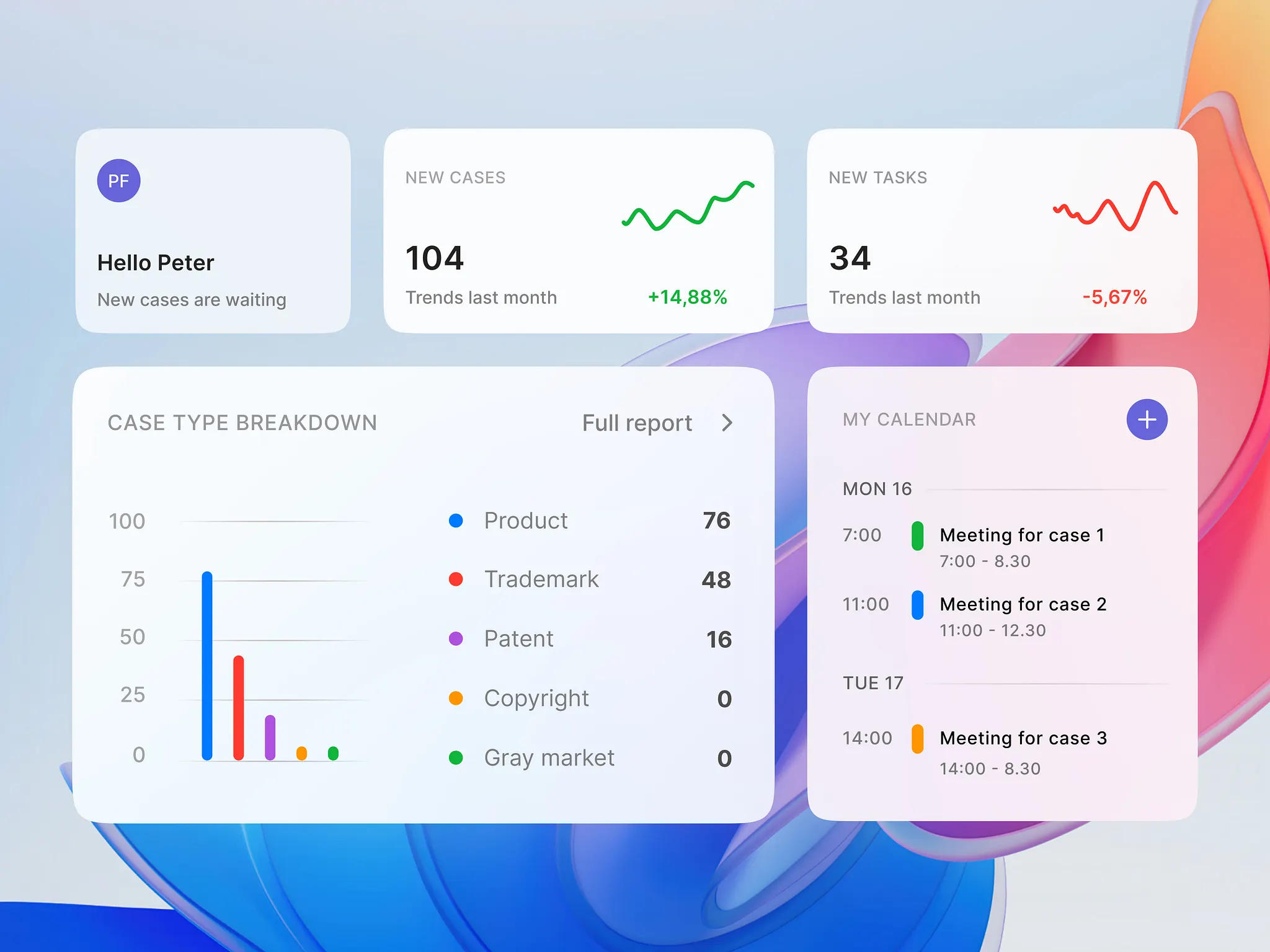
| Glassmorphism | Basic geometric shapes: rounded rectangles, circles | Background blurs, semi-transparent fills, subtle white inner glows, thin bright borders | The form looks like frosted glass - modern, lightweight, and layered |
| Skeuomorphism | Mimics real-world counterparts | Heavy textures, shadows, and bevels creating highly realistic forms | Highly intuitive interfaces that teach users how to interact by mimicking real life - like a digital bookshelf with wood grain and 3D book spines |
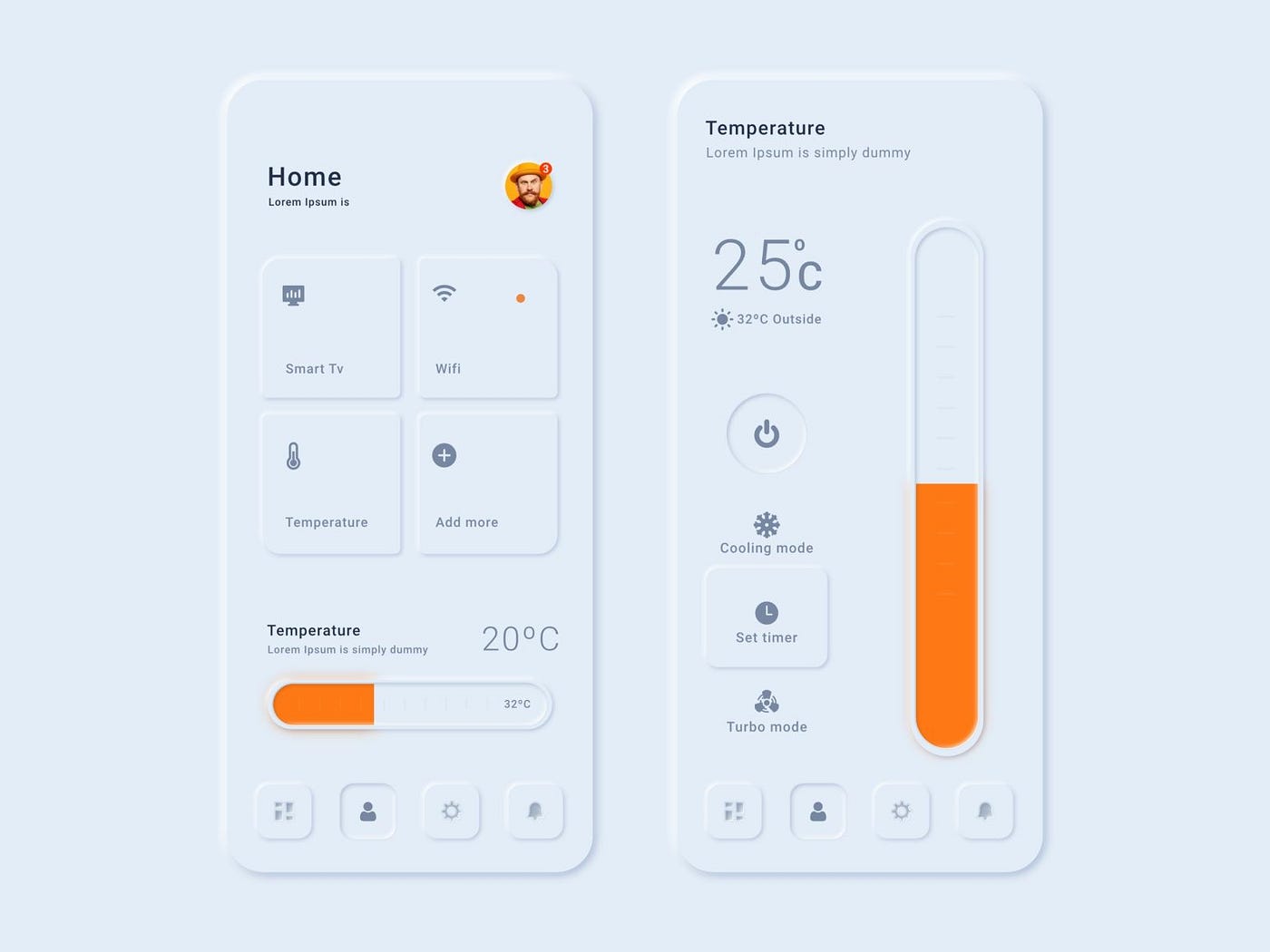
| Neumorphism (Soft UI) | Extruded plastic look: shapes matching the background color | Soft, extruded dual shadows and subtle highlights - elements pressed into or popping out of the surface | Tactile and calming, but can suffer from low contrast and poor accessibility if not carefully implemented |
| Neo-Brutalism | Stark geometric forms | Raw, high-contrast bold borders (usually black), harsh flat drop shadows | Highly legible, trendy, and visually striking - clashing vibrant backgrounds (pastels or neons) behind harsh black borders; rejects traditional polish for a loud, unapologetic look |
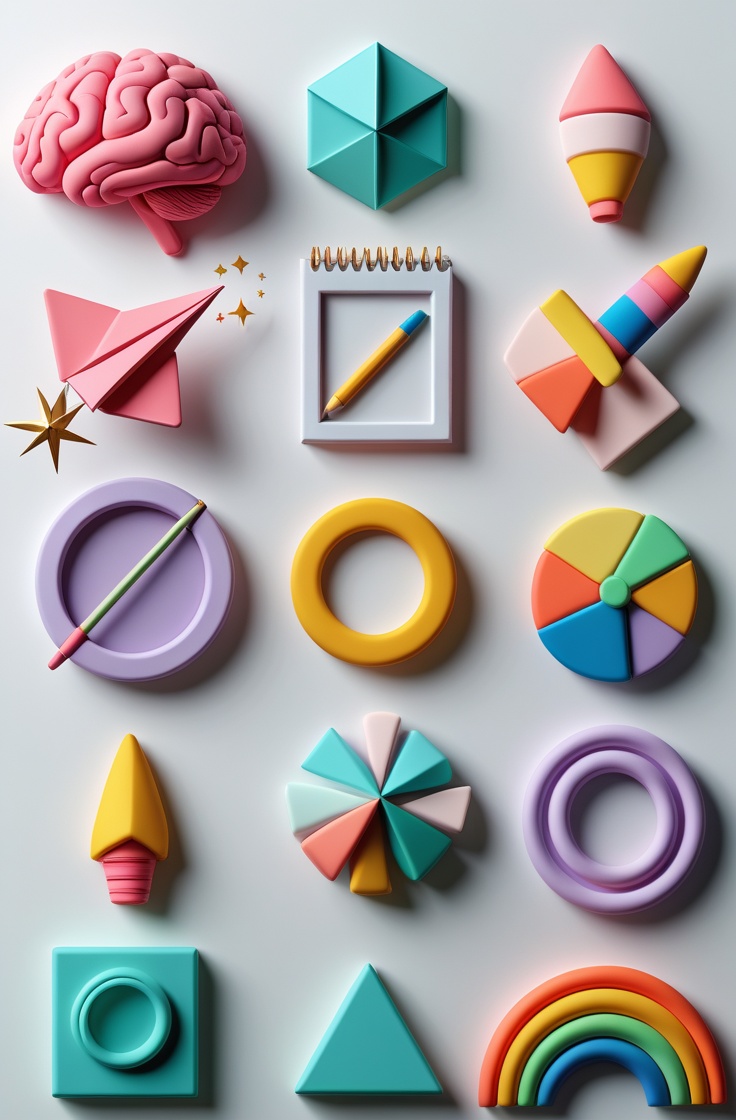
| Claymorphism (3D) | Rounded, plump, organic shapes | Soft, exaggerated inner and drop shadows paired with pastel gradients | The form looks like a soft 3D clay or plastic object - playful, approachable, tactile |
| Minimalism | Stripped-down forms and essential shapes | Minimal effects, high reliance on negative space, strict grids | Timeless, clean, and highly functional - all visual noise removed so the content can breathe |
| Liquid Glass (Apple iOS evolution) | Dynamic, fluid glass surfaces | Advanced refraction, depth of field, and dynamic blurring that react to content beneath the UI elements | Feels premium and highly advanced, creating a distinct separation between the OS chrome and the user's content |
| Brutalism (traditional/digital) | Stark, clashing geometric forms; default browser styles | Unpolished, raw HTML aesthetic - deliberate rejection of "good" design practices | Stands out as anti-establishment and anti-corporate - often jarring to read but highly memorable |
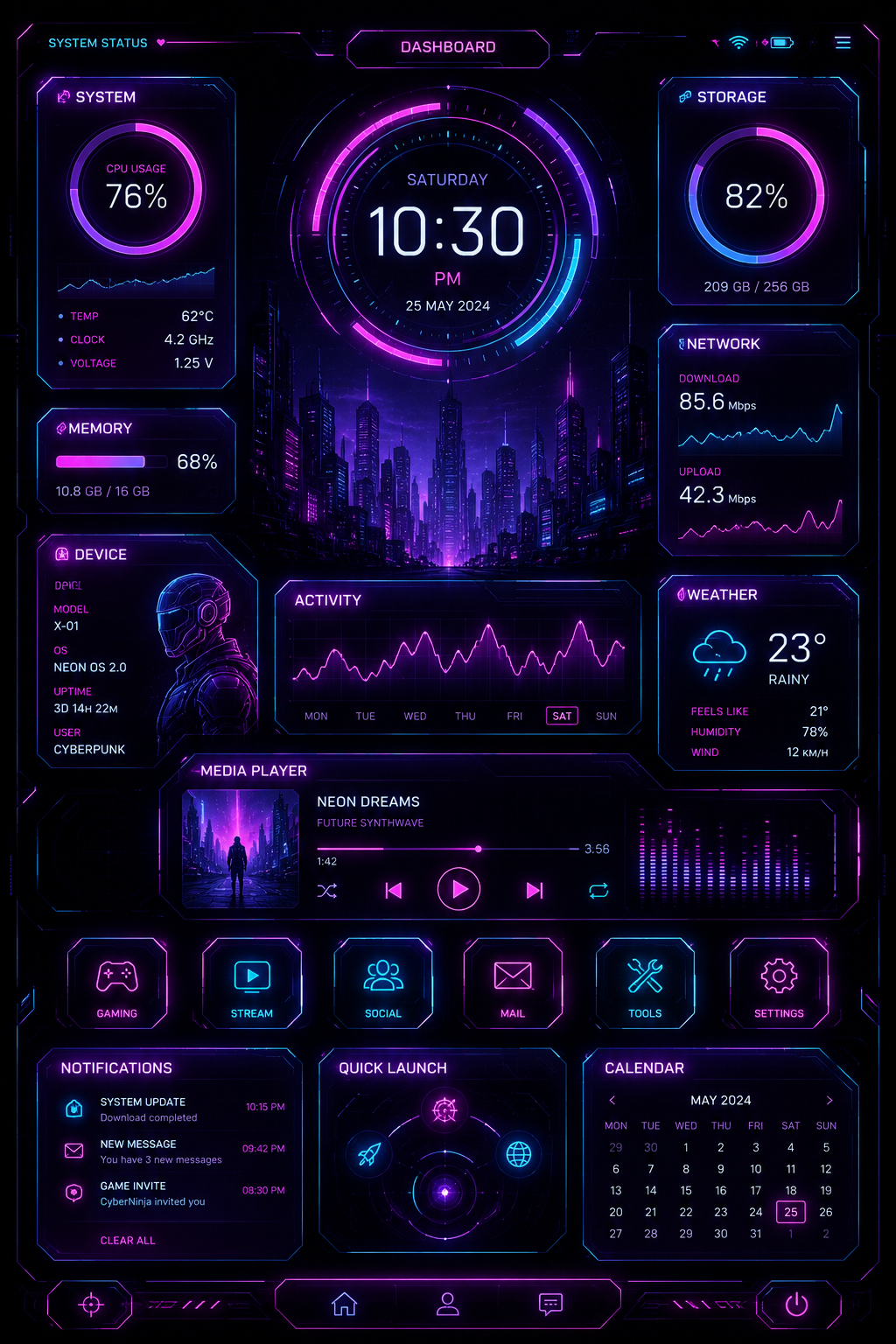
| Cyberpunk / Y2K Glitch | Sharp, angular typography; aggressive geometric blocks | RGB splitting, chromatic aberration, scanlines, VHS noise, glowing neon strokes | The form looks digitally corrupted - futuristic, tech-noir, dystopian |
| Holographic / Iridescent | Abstract, flowing organic 3D blobs or razor-sharp angular typography | Color-shifting gradients (pinks, blues, purples), high-gloss reflections, prism-like light refraction | Futuristic, ethereal, highly digital - the Web3 and metaverse aesthetic |
| Frutiger Aero (early 2000s revival) | Rounded, bubbly shapes and glossy buttons | Vibrant nature imagery (water droplets, grass, clear skies), lens flares, heavy high-gloss reflections | Optimistic, glossy, and highly tactile - early-2000s tech and aqua-themed interfaces |
| Maximalism (anti-minimalism) | Overlapping, dense, varied forms mixing patterns, textures, and typography | Clashing textures, vibrant overlapping gradients, heavy photo manipulation, visual noise | Demands attention - richness, chaos, or a burst of creative energy; common in music festival graphics and streetwear |
| Vector Push / Stretched 3D | Elongated, fluid, or twisted geometric shapes | Studio-lighting gradients, glossy reflections, soft ambient occlusion | A "spun candy" or taffy-like 3D vector look - popular in modern Web3, SaaS landing pages, and Apple-style presentations |
| Retro Pixel / 8-Bit UI | Grid-based, blocky square and rectangular shapes | Dithering (scattered pixel patterns), limited color palettes, CRT scanline overlays | Nostalgia for early arcade and home console gaming - indie game UIs and retro-tech branding |
| Spatial UI / AR interfaces | Floating, context-aware geometric panels that curve or bend | Ray-traced reflections, real-world light occlusion, parallax depth | Forms integrate seamlessly into a physical 3D environment (think Apple Vision Pro), blurring digital and physical space |
| Glow-in-the-Dark / Phosphorescent | Minimalist wireframes, outlines, sharp geometric shapes | High-contrast luminous neon glows against pure black backgrounds - glowing paint or laser light | Nocturnal, energetic, and cybernetic - popular in esports, crypto, and electronic music branding |
| Analog / Film Grain gradients | Soft, blurred, organic blobs | Heavy noise, film grain, and halftone textures over gradients to remove digital smoothness | Gives digital, vector-perfect forms an analog, printed, or tactile feel |
Scroll inside the table - the header row and the Style column stay frozen.
Eight of those recipes, rendered live in CSS - glass you can see through, shadows you can feel, clay you could squeeze, borders you could trip over, glow you could read by, pixels you could count, aurora you could get lost in, and gloss straight out of 2004:
Bonus - Other Notable Styles
| Style | The form-plus-effect recipe | Why it matters |
|---|---|---|
| Flat Design 2.0 / Material Design | The evolution of flat design, introducing subtle long-drop shadows, gradients, and depth to flat geometric forms | Improves usability, hierarchy, and clickability while staying light |
| Bauhaus UI | Geometric forms - circles, squares, triangles - primary colors, functional no-nonsense layouts | No decorative effects; pure function |
| Bold Typography | Typography acts as the primary form: massive, oversized text dominates the layout | Often treated with 3D, texture, or masking effects |
| Dark Mode / Dark UI | Light forms on dark backgrounds | Relies heavily on glows, subtle elevation shadows (often colored), and high contrast to define forms in low-light interfaces |
| Bento Grids | Modular, rectangular geometric forms containing varied effects and content | Organized into a neat, compartmentalized grid |
| Aurora / Gradient Mesh | Soft, flowing, organic forms paired with vibrant, blended gradient mesh effects | Ethereal, cosmic, or atmospheric backgrounds |
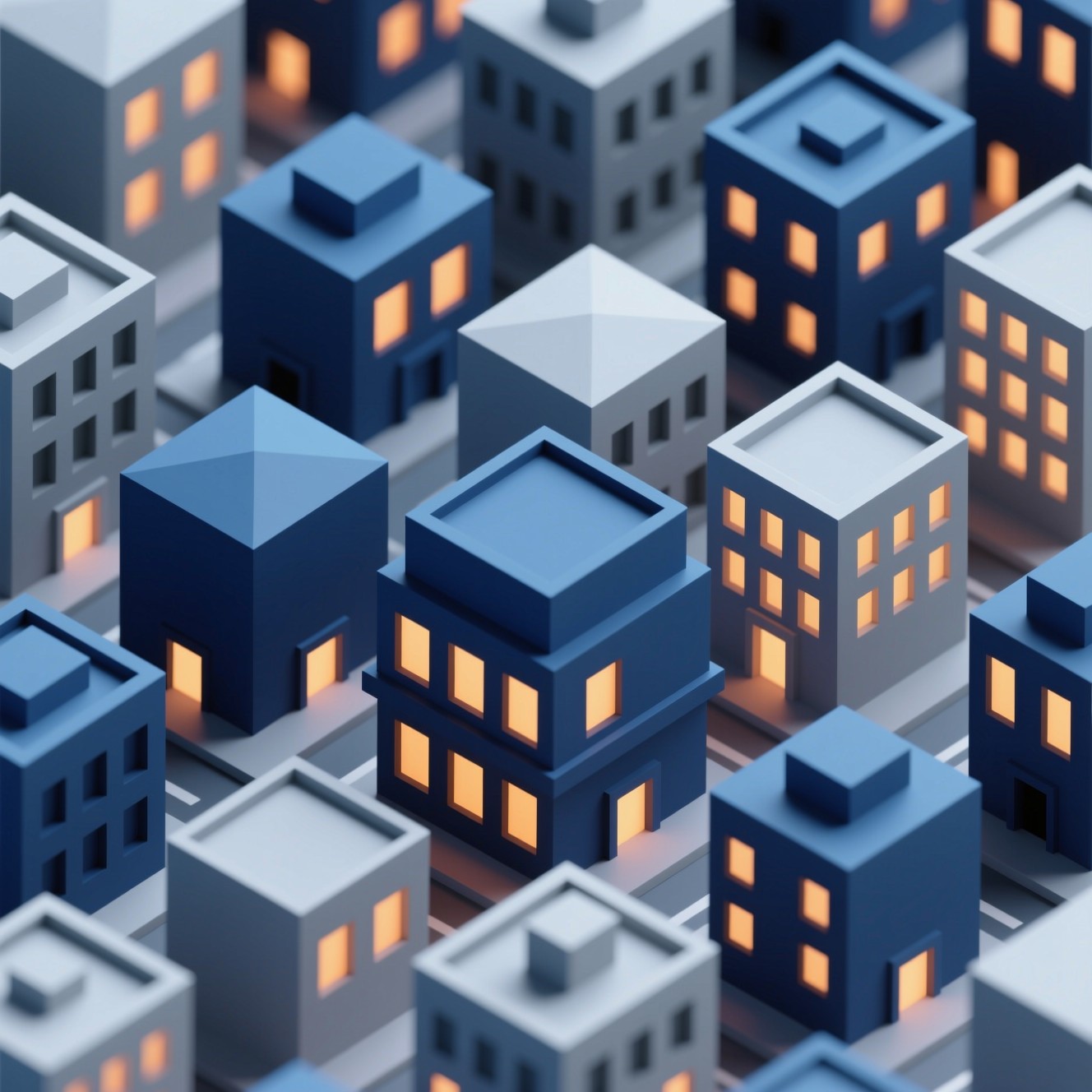
| Isometric Design | Geometric forms drawn in isometric perspective | Complex, grid-based 3D illusions without vanishing points, often paired with flat, cel-shaded color effects |
| Paper Cutout / Collage | Form is comprised of layered, organic shapes | Hard drop shadows simulate physical layering; paper grain textures and mixed-media aesthetics |
6. Application Scenarios - Where Forms Meet Effects
The combined use of forms and effects is essential across a wide range of design applications. Fifteen scenarios cover the professional map - the header row and the Scenario column stay frozen while you scroll:
| Scenario | How forms and effects do the job |
|---|---|
| Architectural modeling and spatial design | Creating realistic spatial renders and structural visualizations: 3D geometric forms with physically accurate lighting, shadow, and texture effects simulate real-world materials before construction |
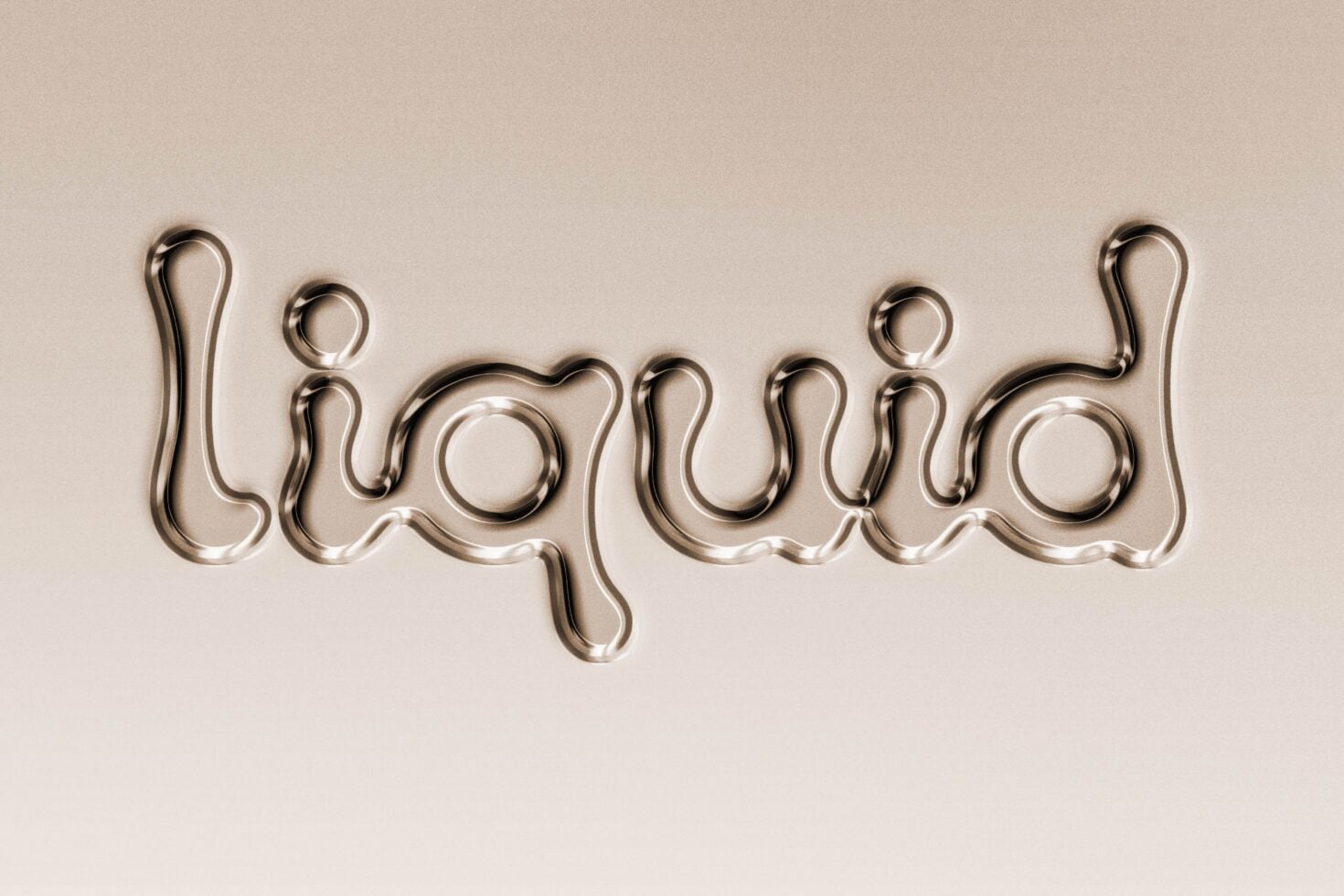
| 3D typography and text effects | Turning flat fonts into physical, tactile objects for posters and branding: liquid metal, chrome reflections, inflatable 3D, or fiery embers applied to typographic forms make them the focal point of a design |
| Product design and packaging visualization | Visualizing packaging, hardware, and UI components with realistic materiality and lighting: precise geometric forms mapped with matte, glossy, or metallic effects create photorealistic product mockups |
| Game UI and HUD design | Designing interfaces layered over gameplay: diegetic effects (scratches, dirt, glowing plasma) on angular or futuristic forms match the game's world-building without obstructing the player's view |
| Logo design and brand identity enhancements | Stripping a brand down to its most basic geometric forms, then applying treatments - gradient meshes, 3D bevels, or glitch effects - to modernize the identity for digital screens while maintaining instant recognizability |
| Data visualization and infographics | Using isometric forms or 3D depth to represent data volumes, paired with glowing effects or motion blur to show speed and trends - complex statistics become visually engaging and easier to digest |
| Web3 and crypto interfaces | Combining dark mode forms with holographic, iridescent, and glowing effects to convey advanced technology, decentralization, and a break from traditional corporate Web2 design |
| Frames, containers, and cards | Bounding boxes, bordered rectangles, and drop-shadowed shapes group related information; glassmorphism or neumorphism effects on these containers create visual hierarchy and make dense content digestible |
| Text holders and editorial layouts | Structural lines (rules) or subtle background shapes anchor typography; in magazine layouts, forms are often wrapped with text, or text is masked into 3D forms for striking editorial visuals |
| Design element libraries (Canva, Figma) | Scalable, vector-based forms and lines create modular, drag-and-drop components; effects like long-drop shadows or gradients are systematized so users maintain visual consistency across layouts |
| Iconography | Reducing complex ideas into simple line drawings or flat geometric shapes, enhanced with subtle gradient meshes or soft shadows (Flat 2.0) to improve clickability and depth in UI environments |
| Album art and music streaming visuals | Fusing Maximalism, Cyberpunk, or 3D forms with heavy photo manipulation - the forms and effects visually represent the sonic atmosphere of the music (distorted glitch for electronic, organic paper cutouts for acoustic folk) |
| E-commerce and digital storefronts | High-contrast, crisp geometric forms showcase products; soft floor shadows, reflections, and micro-glints simulate a premium, studio-lit environment |
| Social media and marketing assets | Bold, high-impact forms (bold typography, large shapes) and vibrant effects (holographic, gradient meshes) optimized to stop the scroll on mobile screens - Maximalism packs maximum information into a single frame |
| AR/VR and spatial interfaces | Forms that float in 3D space rely on depth of field, parallax, and dynamic lighting so UI elements feel grounded in the user's physical environment without causing motion sickness |
7. Best Practices for Using Forms and Effects
Cautionary tale: effects are powerful, but they can easily ruin a design if overused. The "Photoshop effect era" of the early 2000s taught designers that too many effects make designs look amateurish.
Seven principles keep forms believable and effects on their best behavior:
Before applying an effect, ask why you are using it. A glow on a button helps the user find it; a glow on body text will only make it unreadable. Use effects purposefully to solve a visual problem, not just for decoration.
If shadows, highlights, and bevels are building your forms, the light source must stay consistent across the entire design. If the light comes from the top-left, all shadows must fall to the bottom-right - inconsistencies break the illusion of form.
Stacking a heavy drop shadow, an inner glow, a bevel, and a bright gradient usually results in a muddy, dated, or amateurish look. Use effects subtly to enhance a form, not overpower it.
Strong effects - a bright glow or a heavy shadow - draw the eye to the most important element (like a "Buy Now" button). Keep subtle or no effects on secondary elements.
Effects work best when they are contrasted against something else. A highly textured, glowing form stands out beautifully against a flat, minimalist background.
An effect that looks great on a high-resolution digital screen (like a subtle neon glow) might print poorly on paper. Always consider whether the final output is digital or physical.
Instead of just slapping an effect on top of a layer, use blending modes (Multiply, Screen, Overlay, Soft Light) to let the effect interact naturally with the colors and forms beneath it.
flowchart TD
    G{"What is the job?"} --> J1["Depth and realism"]
    G --> J2["Mood and atmosphere"]
    G --> J3["Focus and hierarchy"]
    G --> J4["Tactility and material"]
    G --> J5["Energy and motion"]
    G --> J6["Layering and integration"]
    G --> J7["Style and nostalgia"]
    J1 --> K1["Lighting and shadow - overlap - size"]
    J2 --> K2["Color and gradient - blur"]
    J3 --> K3["Blur and depth of field - glow"]
    J4 --> K4["Texture and surface - bevel"]
    J5 --> K5["Distortion - motion blur - neon"]
    J6 --> K6["Transparency - blending modes - masks"]
    J7 --> K7["Halftone - grain - painterly filters"]
    K1 --> C{"Check: one light source, readable, suits the medium?"}
    K2 --> C
    K3 --> C
    K4 --> C
    K5 --> C
    K6 --> C
    K7 --> C
    C -->|"Yes"| Z(["Purposeful polish"])
    C -->|"No"| R["Reduce - one effect per element"]
    R --> G
8. Conclusion - Remember the Fundamentals
In graphic design, Forms provide the physical structure and volume of a composition, while Effects provide the lighting, atmosphere, and texture that make those forms believable and visually striking. Mastering the relationship between the two allows a designer to take a viewer from looking at a flat image to feeling like they can reach into the design and touch it.
Forms and effects are tools, not the goal. Great design is not about using every effect available - it is about:
- ✓ Using the right effects purposefully
- ✓ Maintaining consistent lighting
- ✓ Creating clear visual hierarchy
- ✓ Ensuring readability and accessibility
- ✓ Communicating your message clearly and beautifully
- ✓ Choosing the right tool for the job
By understanding and skillfully applying forms and effects, designers can create compelling, dimensional work that captures attention and communicates more effectively - achieving visual communication that captivates your audience and achieves your design objectives.
- Actual form - real 3D depth: packaging, physical environmental design.
- Implied form - the 2D illusion of depth built from shading, perspective, overlap, and light.
- Geometric - cubes, spheres, cylinders, cones, pyramids: order, stability, unity, motion.
- Organic - rocks, trees, figures, flow: comfort, spontaneity, natural fluidity.
- Abstract - stylized blends of geometric and organic; meaning left to interpretation.
- Symbolic - logos, icons, religious and brand imagery: culture and concept beyond appearance.
- Open / Closed - suggested by negative space vs. fully enclosed with clear boundaries.
- Positive / Negative - the object itself vs. the space that defines it.
- Color and gradient - gradients, blends, duotones, overlays: mood, depth, harmony.
- Lighting and shadow - drop and inner shadows, bevel and emboss, glows, neon, refraction, reflection: realism and a definitive light source.
- Blur - gaussian, motion, radial: depth of field, speed, focus control.
- Texture - grunge, paper, noise, grain, patterns: tactility and material definition.
- Distortion - warp, twist, bulge, envelope, displacement mapping: dynamism and environmental integration.
- Transparency - opacity, blending modes, fades, masks: layering and spatial relationships.
- Artistic - brush strokes, halftones, stippling, chromatic aberration: style, emotion, atmosphere.
- Form follows function - every effect must solve a visual problem.
- One light source - top-left light means bottom-right shadows, everywhere.
- Less is more - skip the effect soup; subtlety reads as premium.
- Effects build hierarchy - loud for the Buy Now button, quiet elsewhere.
- Contrast makes effects work - glow against flat, texture against minimal.
- Respect the medium - neon glows print poorly; design for the destination.
- Blend, do not slap - Multiply, Screen, Overlay and Soft Light integrate naturally.
Forms provide the physical structure and volume; effects provide the lighting, atmosphere and texture that make those forms believable - master the relationship and the viewer stops looking at a flat image and starts feeling they can reach in and touch it.
The photographs and illustrations on this page were located through an automated web image search and are reproduced here for educational, illustrative purposes only. All artwork, screenshots, brand logos, product names and trademarks remain the property of their respective owners. No copyright infringement is intended - rights holders who would like an image credited differently or removed can contact the site administrator.
- NightCafe - pastel geometric 3D render (header image)
- Supply Family - glossy chrome 3D shape render and liquid chrome type treatment (two images)
- Pinterest - black-and-white plaster solids still-life photograph and neon cyberpunk dashboard concept (two images)
- Pexels - abstract blurred aurora gradient background
- Everyday UX - glassmorphism dashboard UI concept
- Medium - neumorphic smart-home app UI concept
- Leonardo.Ai - colorful 3D clay object set
- StockCake - isometric 3D city render
- True Grit Texture Supply - pop-art halftone texture artwork